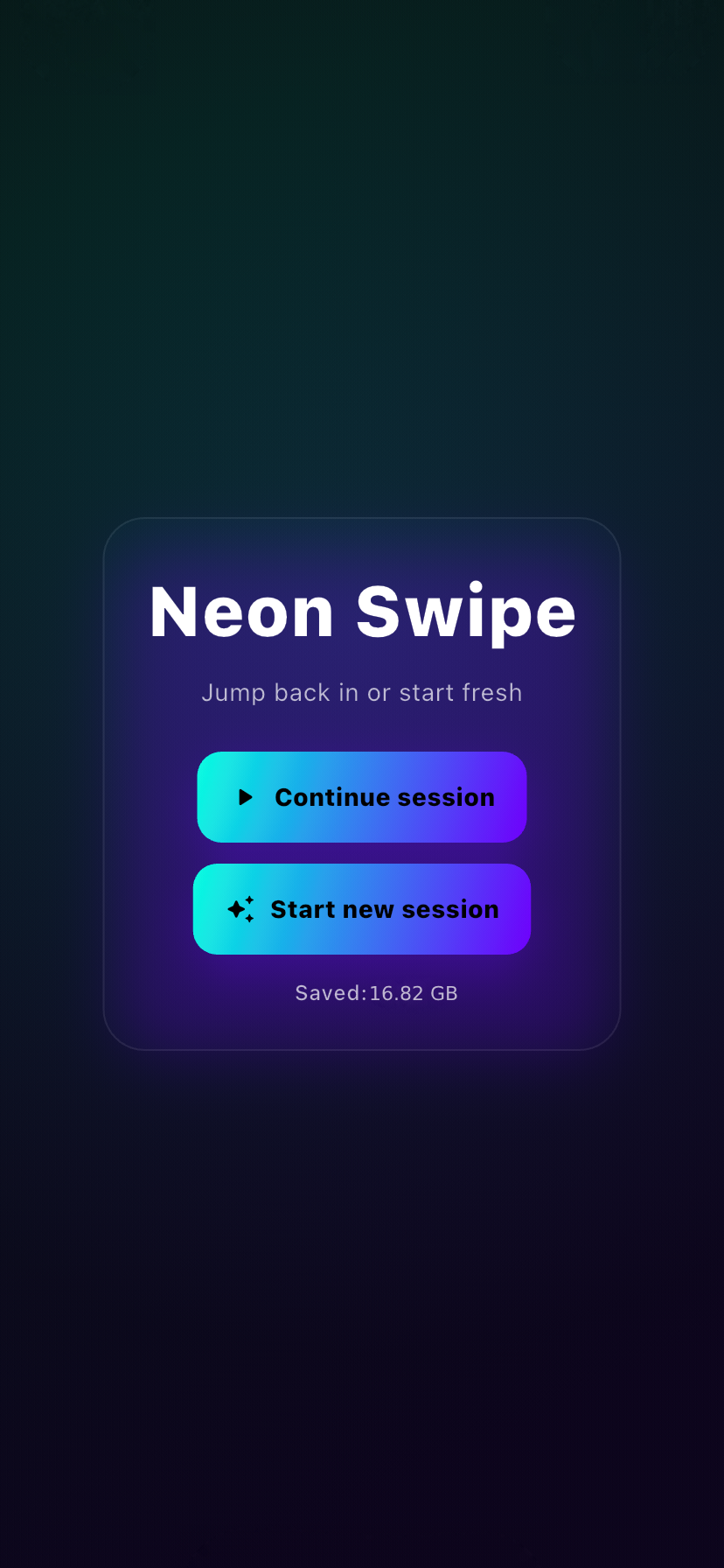
Start or continue a session
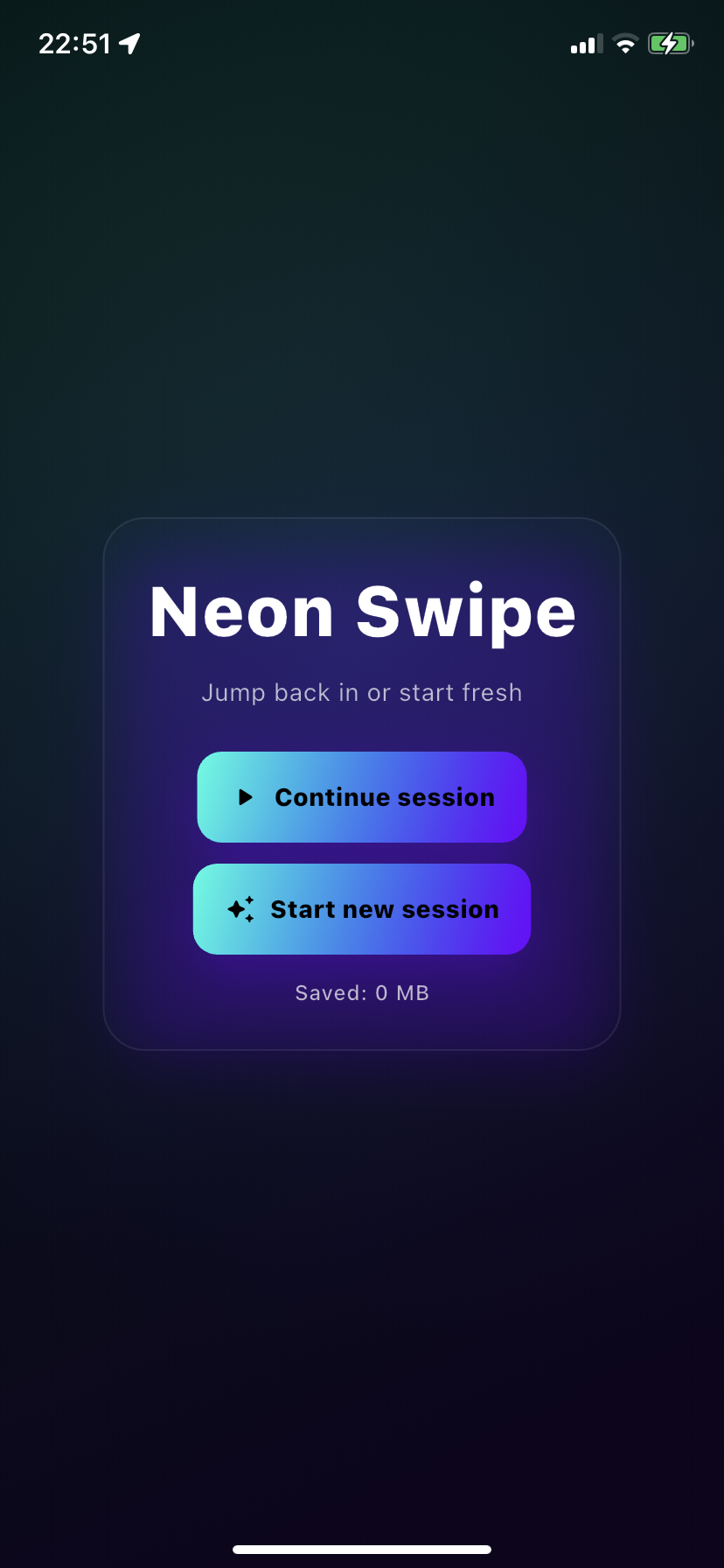
Pick up where you left off or start fresh. Premium lets you continue across sessions without losing progress.
 Neon Swipe
Swipe right to keep, left to delete. Sort by screenshots, videos or photos. See your queue and progress. Undo & recover from “Recently Deleted”.

A focused toolkit for fast, safe cleanup — with clear progress and full control.
Pick up where you left off or start fresh. Premium lets you continue across sessions without losing progress.
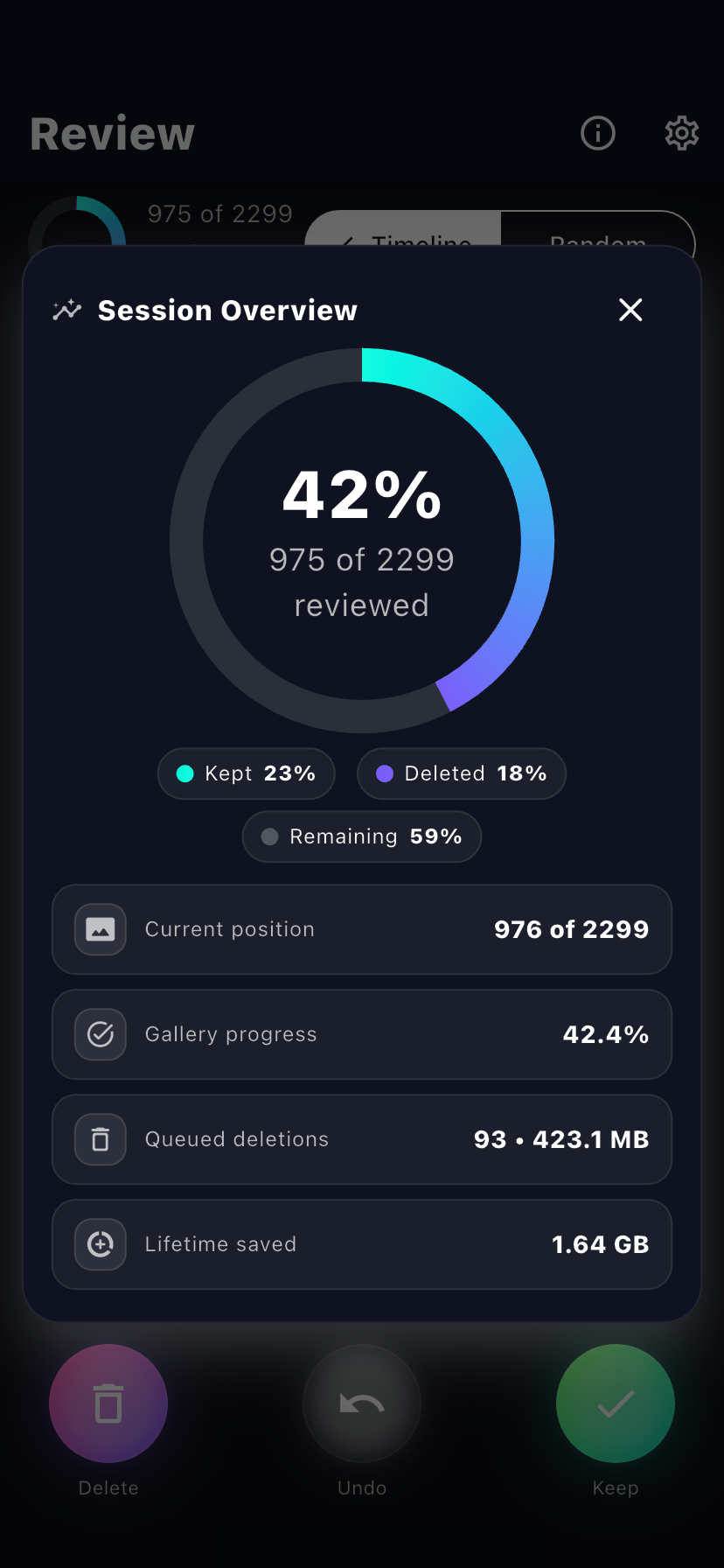
A clear progress view helps you finish confidently and build a quick daily habit.
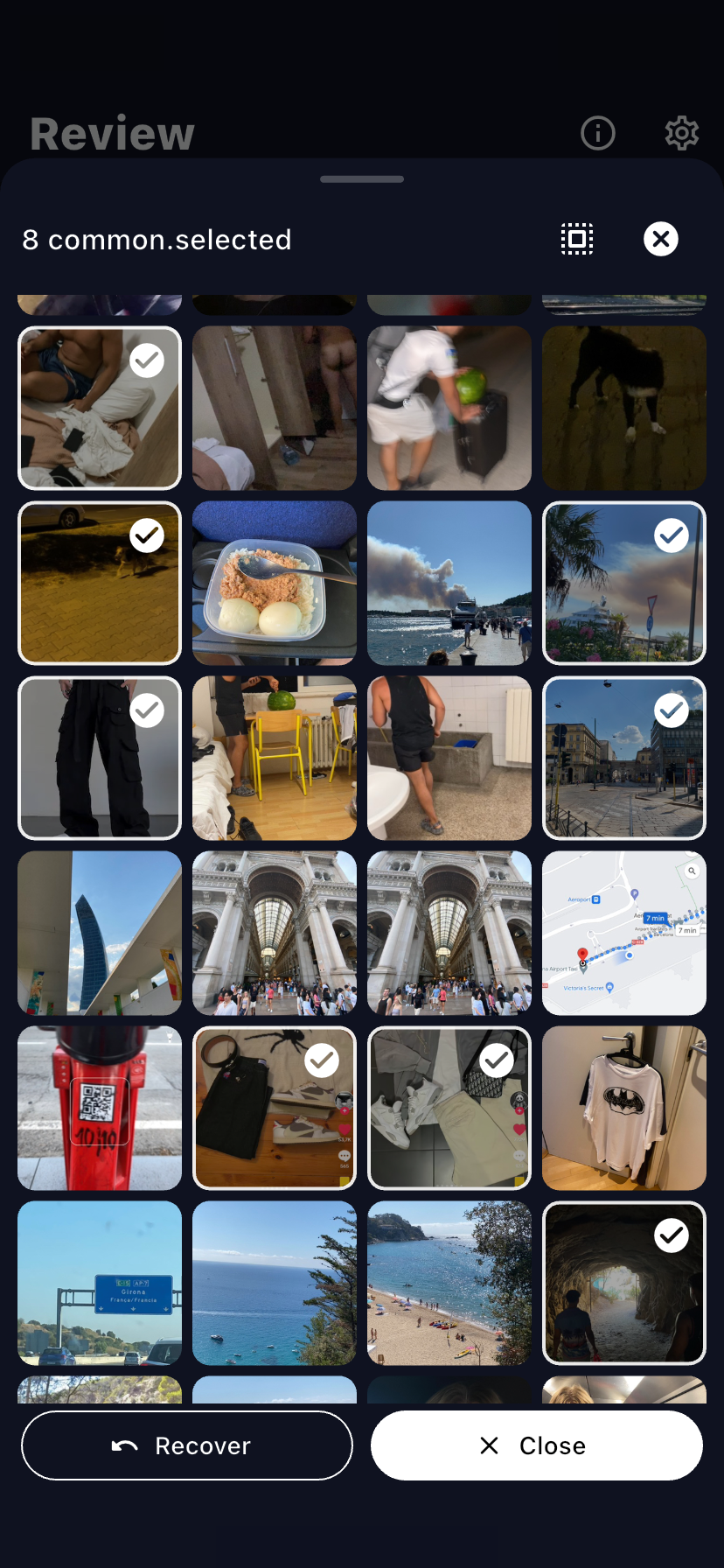
Review before removal, undo any step, and recover from “Recently Deleted” for ~30 days.
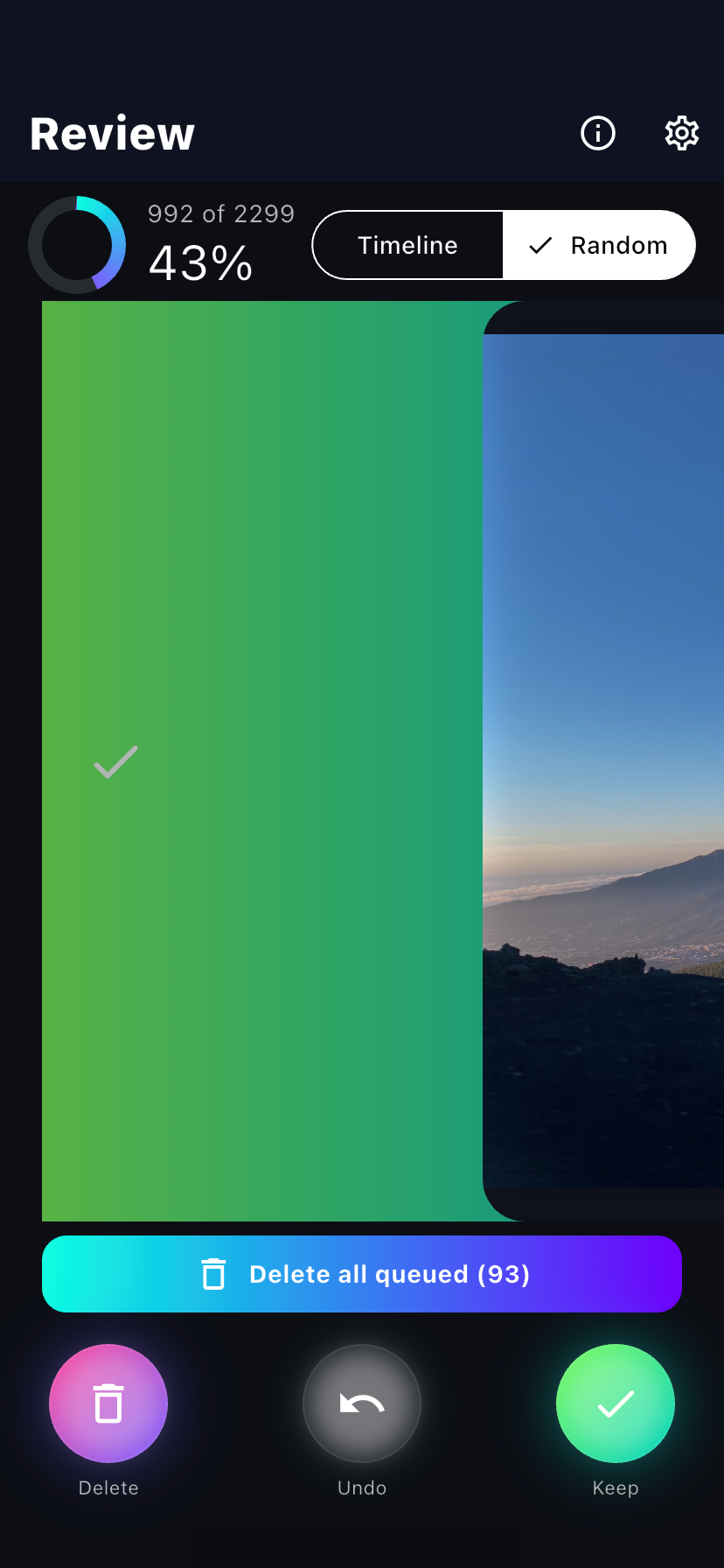
Right to keep, left to delete. Full-screen review so every decision is easy.
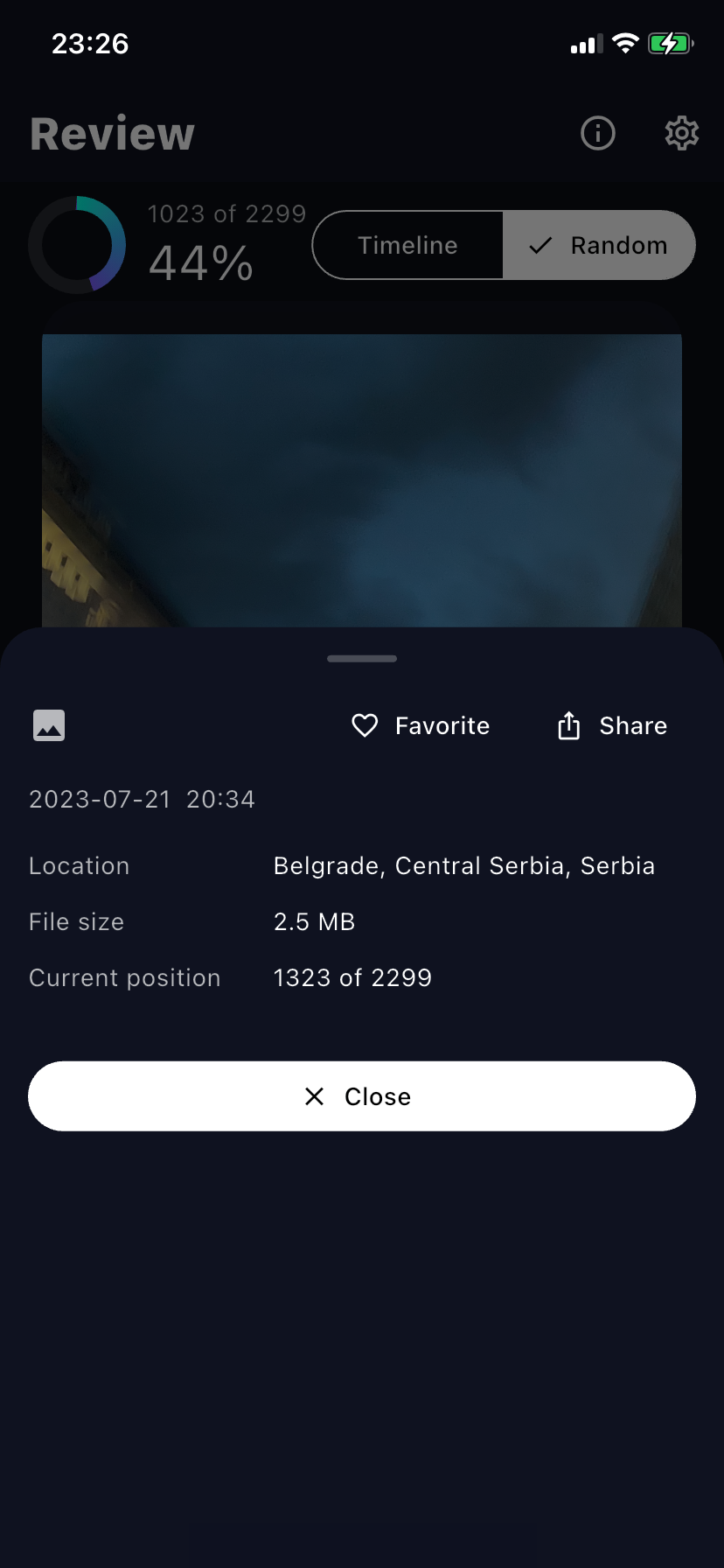
Open details for photos & videos, share, or mark favorites without leaving the flow.
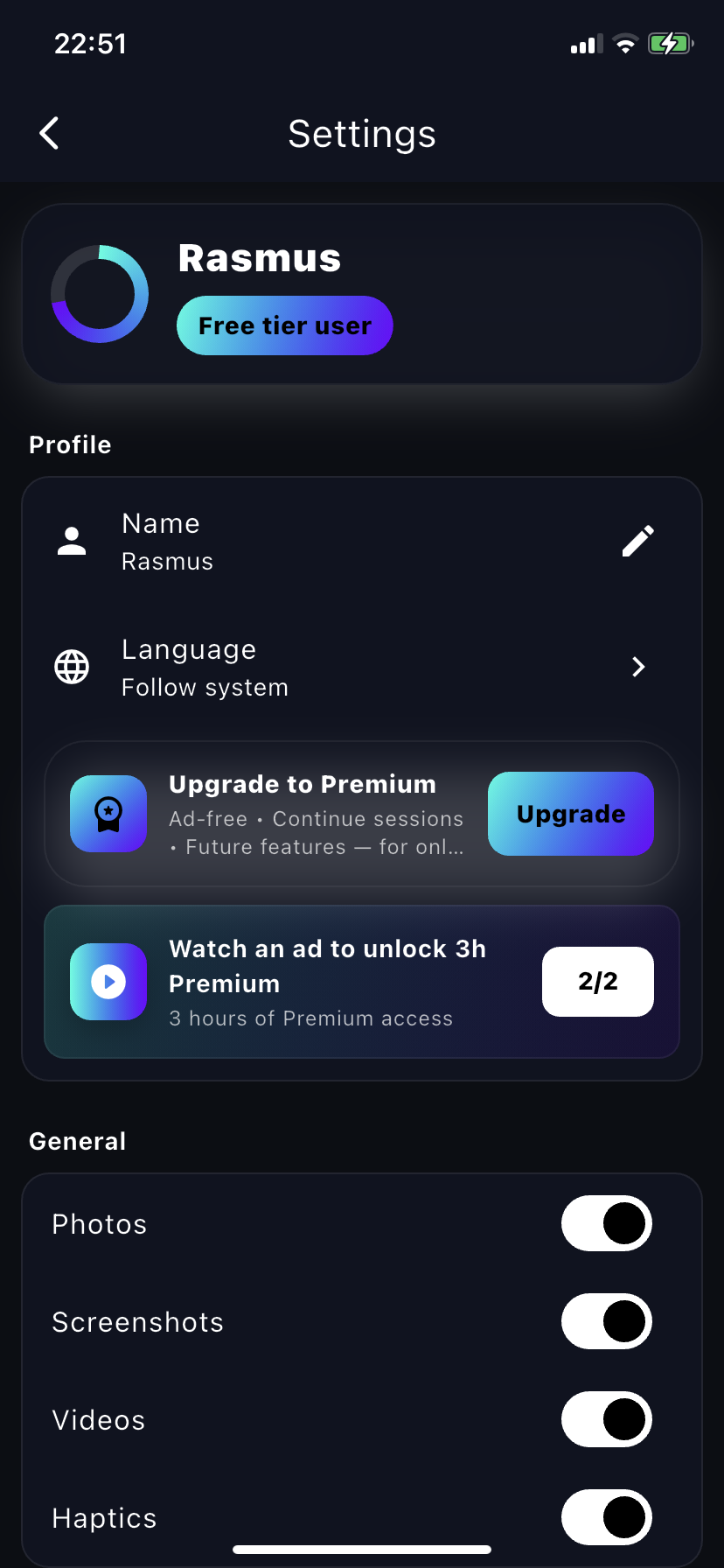
Focus on screenshots, videos, or just photos to clear clutter faster.
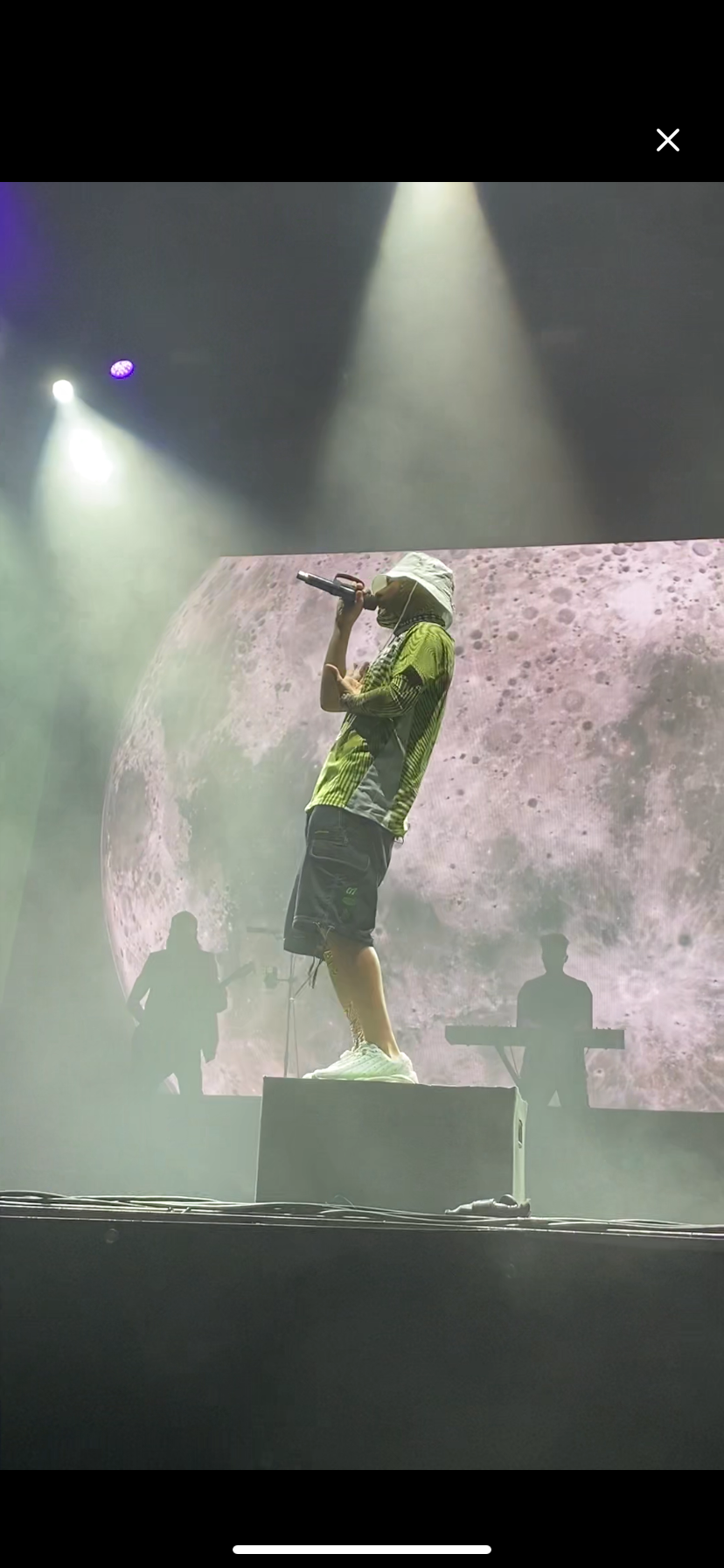
Pinch to zoom into photos, or play videos inline to choose the best moments.
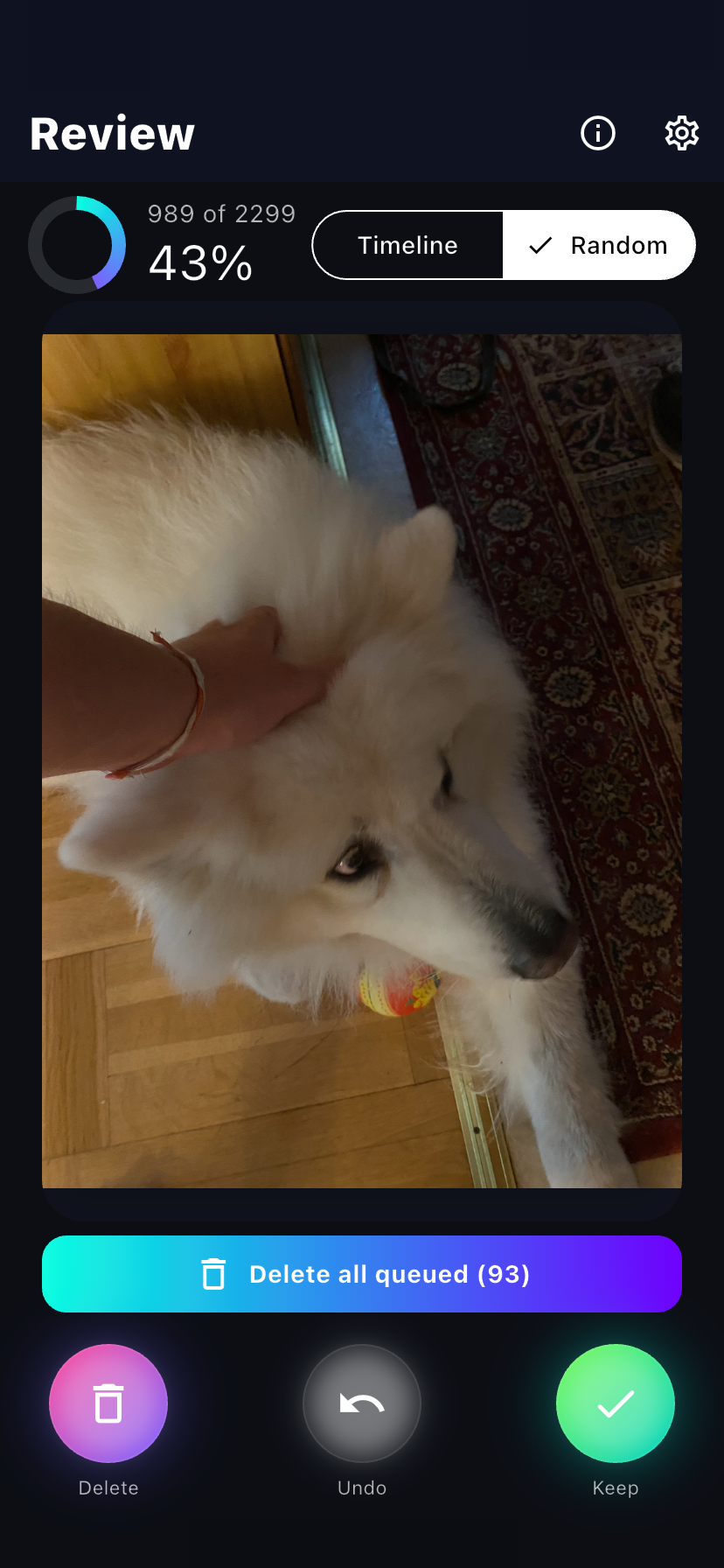
Work newest-to-oldest for momentum — or switch to random mode for a fresh mix.
Pick up where you left off or start fresh. Premium lets you continue across sessions without losing progress.
A clear progress view helps you finish confidently and build a quick daily habit.
Review before removal, undo any step, and recover from “Recently Deleted” for ~30 days.
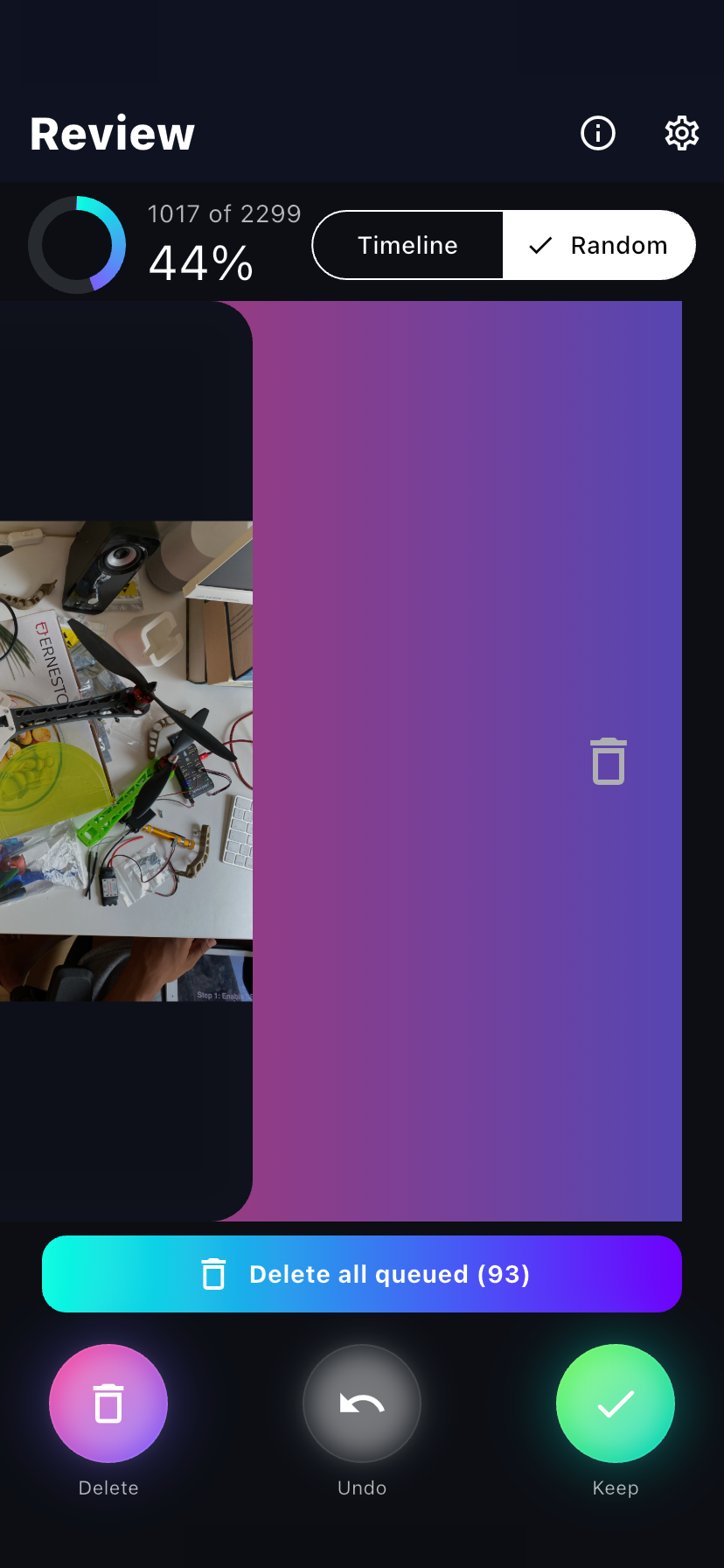
Right to keep, left to delete. Full-screen review so every decision is easy.
Open details for photos & videos, share, or mark favorites without leaving the flow.
Focus on screenshots, videos, or just photos to clear clutter faster.
Pinch to zoom into photos, or play videos inline to choose the best moments.
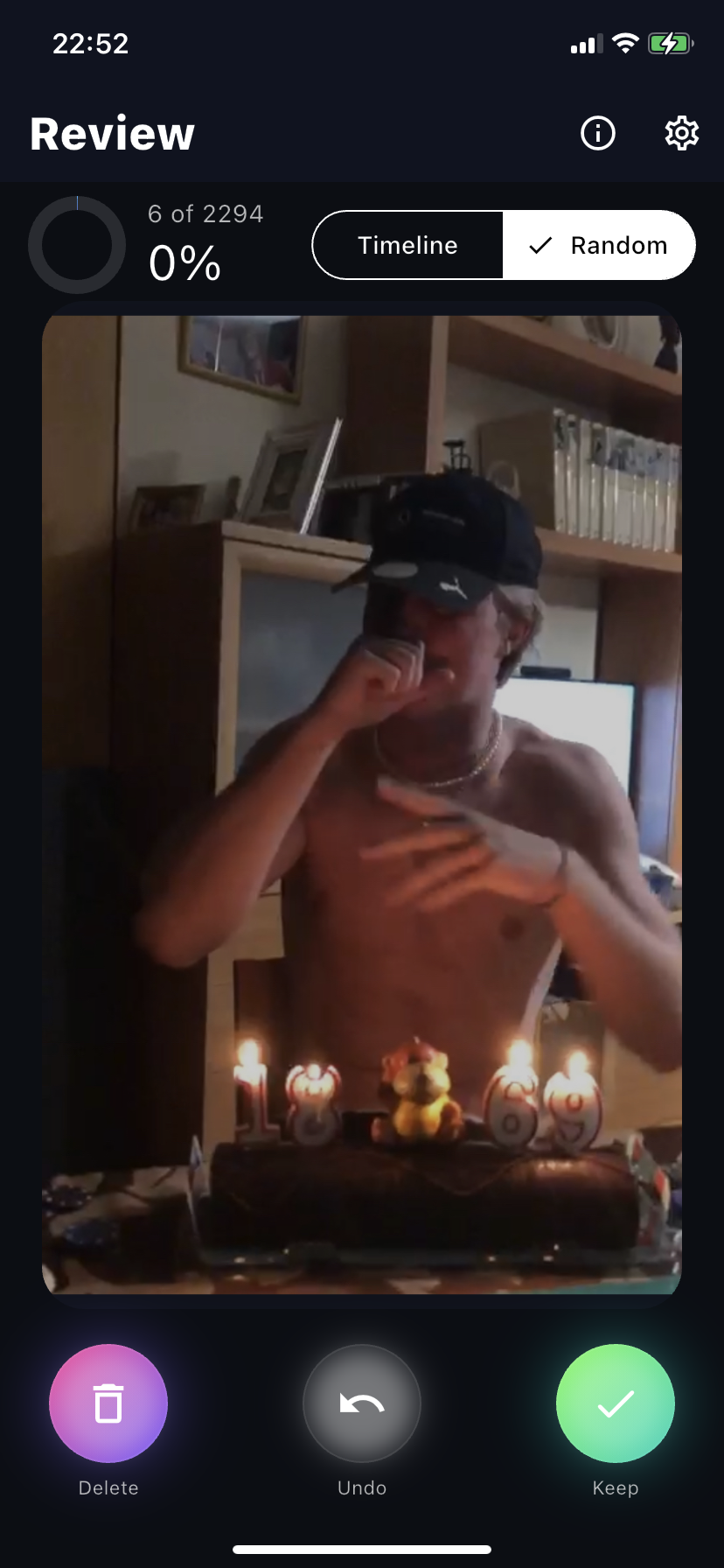
Work newest-to-oldest for momentum — or switch to random mode for a fresh mix.